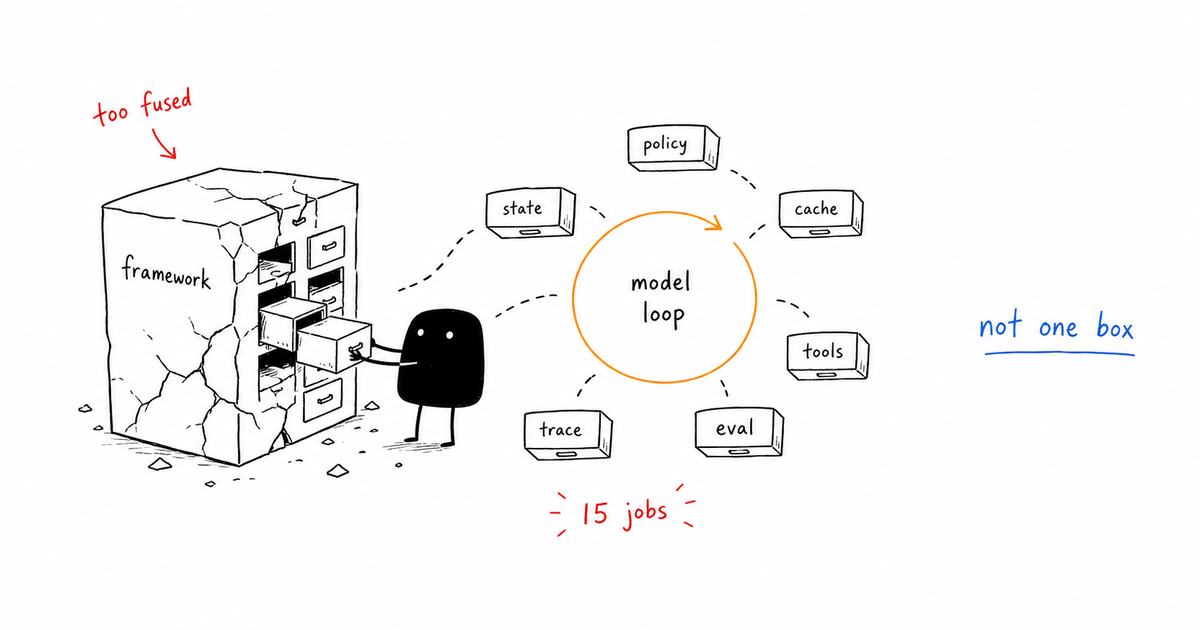
When should an AI agent stop before a small problem becomes a production incident?
The tempting answer is to watch latency, error rate, and token spend like any other API service. That answer is not useless, but it is too vague to operate. AI agent monitoring tracks runtime signals that should trigger investigation, throttling, retry, fallback, evaluation, or human approval. Useful monitoring joins system metrics with agent-specific signals: tool failures, risky actions, context quality, guardrail trips, eval failures, cost spikes, and repeated loops.
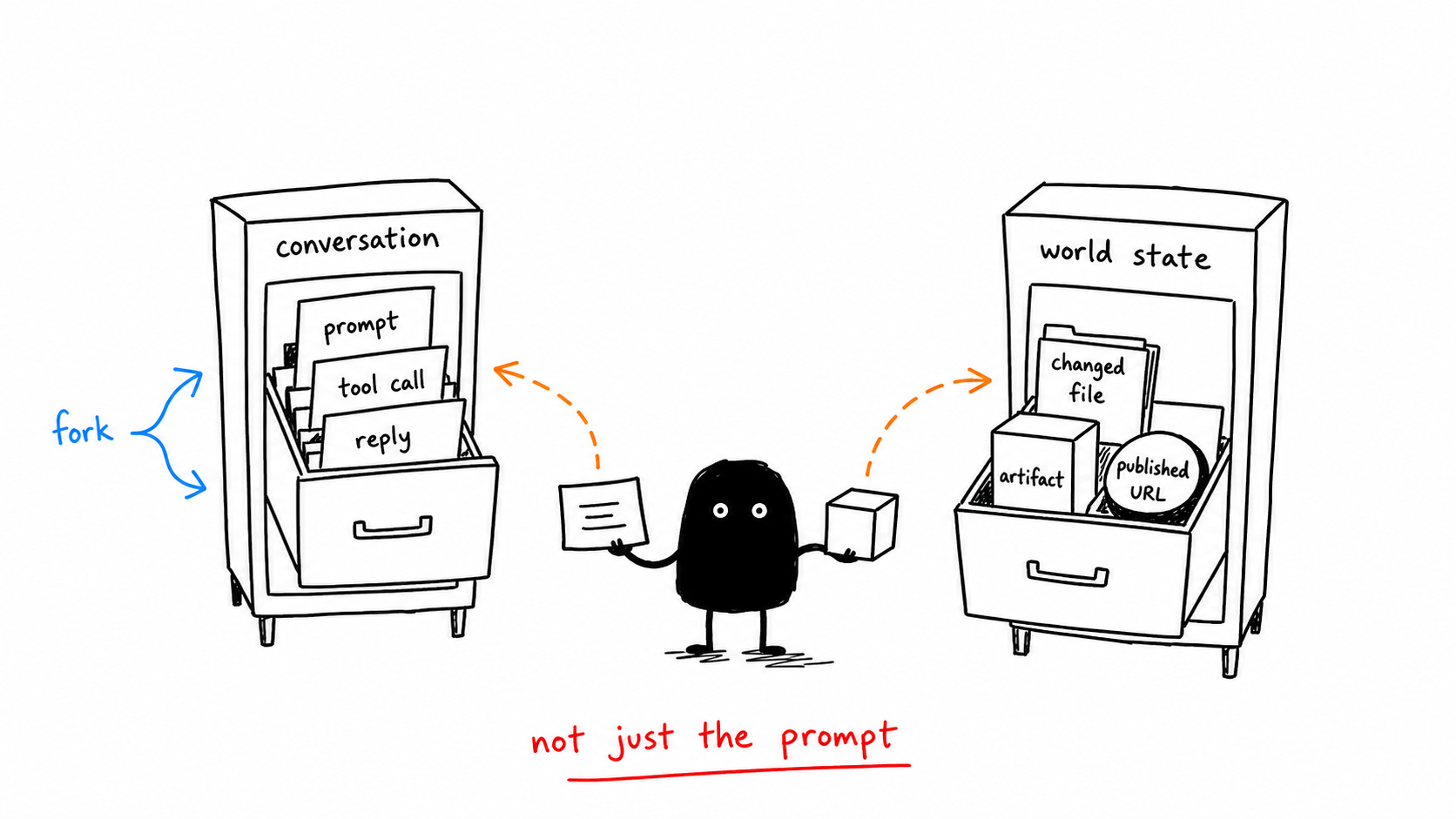
Direct answer
AI agent monitoring tracks runtime signals that should trigger investigation, throttling, retry, fallback, evaluation, or human approval. Useful monitoring joins system metrics with agent-specific signals: tool failures, risky actions, context quality, guardrail trips, eval failures, cost spikes, and repeated loops.
The common mistake
The sharper operating question is:
Where this gate sits
Monitoring sits after instrumentation and before incident response. It turns traces and evals into thresholds that change runtime behavior.
Signals to capture
| Signal | What to inspect | Gate action |
|---|---|---|
| Run health | Success rate, loop count, retry count | Retry or stop |
| Tool health | Tool errors, timeouts, duplicate calls | Fallback or disable |
| Policy health | Guardrail trips, denied actions | Investigate pattern |
| Cost health | Tokens, cached tokens, model mix, tool spend | Throttle or route |
| Quality health | Eval failures, low confidence, user correction | Block or review |
Running example
A research agent starts looping because a tool returns partial results. The monitoring gate sees three repeated calls with the same query, stops the run, attaches the trace, and asks for a human decision instead of letting the agent burn budget.
Implementation checklist
- Define stop conditions before the agent runs in production.
- Alert on repeated tool calls, not only failed tool calls.
- Track eval failures and policy denials as first-class runtime signals.
- Join model cost, tool cost, and cache behavior to a run type.
- Create a kill switch for risky tools and high-cost workflows.
What changes in production
In a demo, AI agent monitoring can look like a reviewer preference. In production, it has to become a branch in the agent runtime.
The branch is simple: if the system sees “Success rate, loop count, retry count”, it should retry or stop. If it sees “Tool errors, timeouts, duplicate calls”, it should fallback or disable. If it hits “The agent repeats a tool call with no new evidence”, the run should not continue as if nothing happened.
For AI agent monitoring, that is the difference between a content checklist and a control gate. The gate changes the next action while the run is still alive.
What to log in the trace
run_statusretry_counttool_error_rateguardrail_trip_counteval_failure_ratecost_by_runcache_hit_signal
Review packet
A reviewer, on-call owner, or future incident review should be able to answer three AI agent monitoring questions from the packet:
- What evidence triggered this AI agent monitoring gate?
- What action did this AI agent monitoring gate allow, deny, retry, or escalate?
- What would have happened if the AI agent monitoring gate had been absent?
For AI agent monitoring, the packet should point directly at the trace fields above and the specific signal row that caused the decision. If the packet only says “agent requested approval” or “policy failed,” it is not yet operational evidence.
When to escalate
- The agent repeats a tool call with no new evidence.
- A policy denial rate jumps for one workflow.
- Costs rise without a matching increase in successful outcomes.
- A risky tool is called outside its expected run type.
Related control gates
- Agent Observability: Trace What Agents Decide and Do
- Agent Tracing: A Practical Schema for Tool-Using AI
- AI Agent Evaluation: Gates That Catch Bad Behavior
- Prompt Caching: Cut Agent Cost Without Breaking Quality
- AI Agent Control Gates: Stop Bad Agents Before They Act
Frequently Asked Questions
What is AI agent monitoring?
AI agent monitoring tracks the runtime signals that should change behavior: retries, loops, tool failures, policy trips, eval failures, cost spikes, risky actions, and quality regressions.
What metrics matter most?
Start with run success, tool error rate, repeated-call rate, guardrail trips, eval failures, approval volume, model/tool cost, and customer-visible rollback or correction events.
How should monitoring stop an agent?
A monitoring rule should name the metric, threshold, window, owner, and action. The action can retry, fallback, throttle, disable a tool, require approval, or stop the run.
The Takeaway
Monitoring is where autonomy gets brakes. If a signal cannot stop or reroute the agent, it is only a dashboard decoration.